Success signal
What counts
Reduced stain without losing release, detail or safety margin.
 Beam BoundaryOptical evidence lab
Separate surface smoke stain, edge char and sustained flame before changing anything.
For verified laser-compatible plywood with an otherwise stable cut.
A cosmetic burn-mark fix cannot override incomplete-cut or fire behavior.
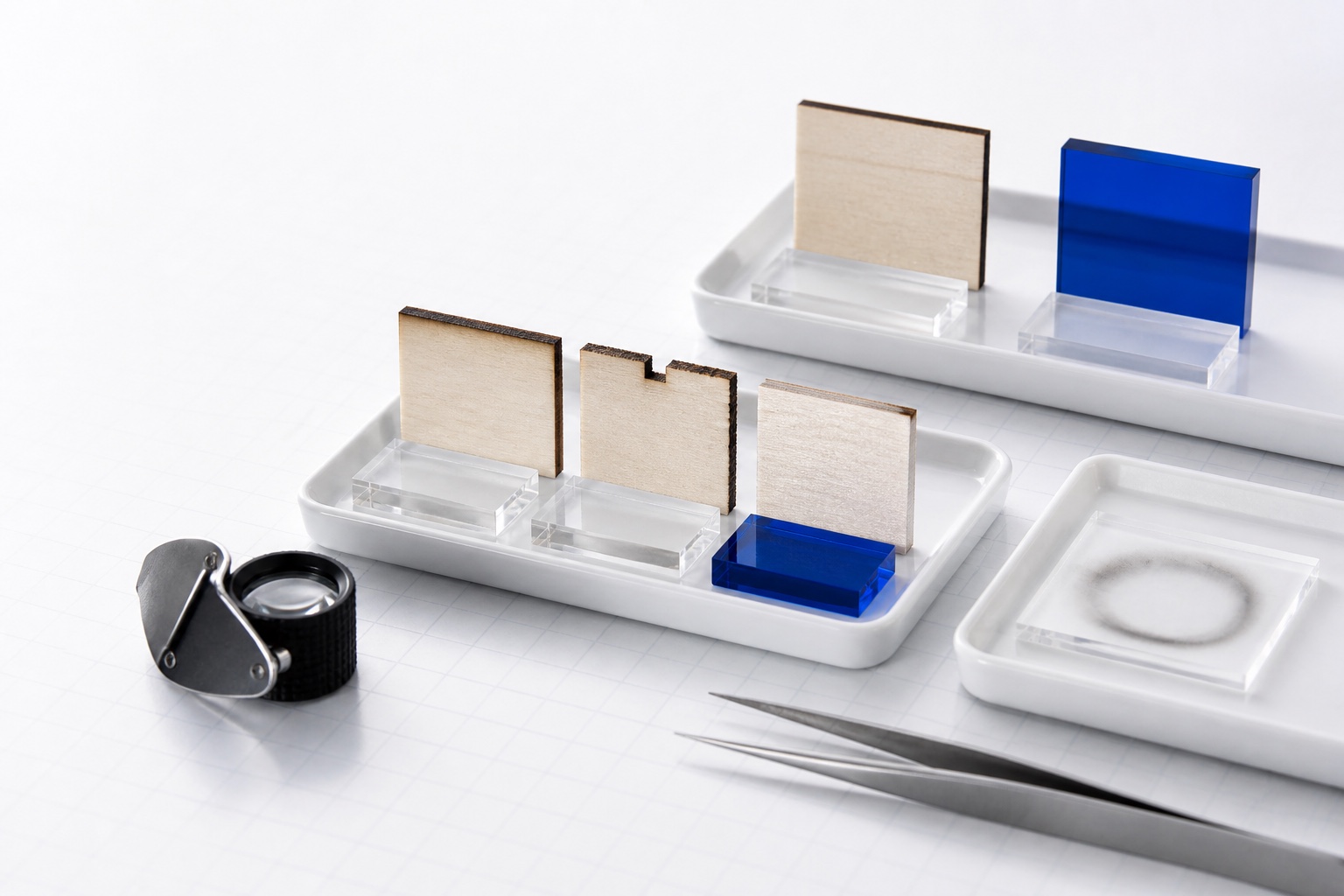
Before power
Bounded workflow
Success signal
Reduced stain without losing release, detail or safety margin.
Failure branch
Less char paired with incomplete release is not success.
Safety boundary
Sustained flame, abnormal fumes or rapidly deepening char is an immediate stop.
Manufacturer instructions override this page. Read the safety policy.
Eligible records
Each item passes qualification plus this page’s material, operation and thickness constraints.
xTool D1 · 10 W blue diode · 3 mm
Source reference row supplies a one-pass cutting parameter; edge quality is not reported.
Transfer limit: Only for the exact source-named xTool product on xTool D1 10 W. A generic 3 mm plywood label is insufficient identity.
How evidence is qualifiedxTool D1 Pro · 20 W blue diode · 3 mm
Official xTool material library reports a one-pass cut reference for 3 mm basswood plywood on D1 Pro 20W.
Transfer limit: Only a starting test for xTool D1 Pro 20W with source-matched 3 mm basswood plywood. Do not transfer to D1, another module, generic plywood, or another controller scale.
How evidence is qualifiedSupplemental evidence
These items can explain applicability, but they are not qualified test records, do not count toward coverage and are never labeled exact-context.
xTool D1 Pro · 20 W blue diode · 10 mm
Manufacturer reports a one-pass cut with smooth, clean surfaces and minimal burn marks.
Transfer limit: Performance observation only for xTool D1 Pro 20 W. It is not an actionable setting until missing setup fields are recovered from xTool.
How evidence is qualifiedSources
official manufacturer safety guidance
official manufacturer support article
Reviewed 2026-08-07 · Content owner: Beam Boundary editorial · Request a correction